
Android
Direct APK install. The full native app with every feature, and the route most players use. Requires enabling install-from-unknown-sources once.
Get the APKWelcome package up to ₹10,000 across your first deposits
UPI deposits credit in seconds — withdrawals in hours once KYC clears
18+ only. Not available in six Indian states — check the footer
Stuck on something? Support answers 1:1 on Telegram
The Android build is a direct APK, which means the install involves temporarily lowering a real security protection. Most guides breeze past that. This one tells you exactly which setting to change, why it matters, and the step almost everyone forgets afterwards.
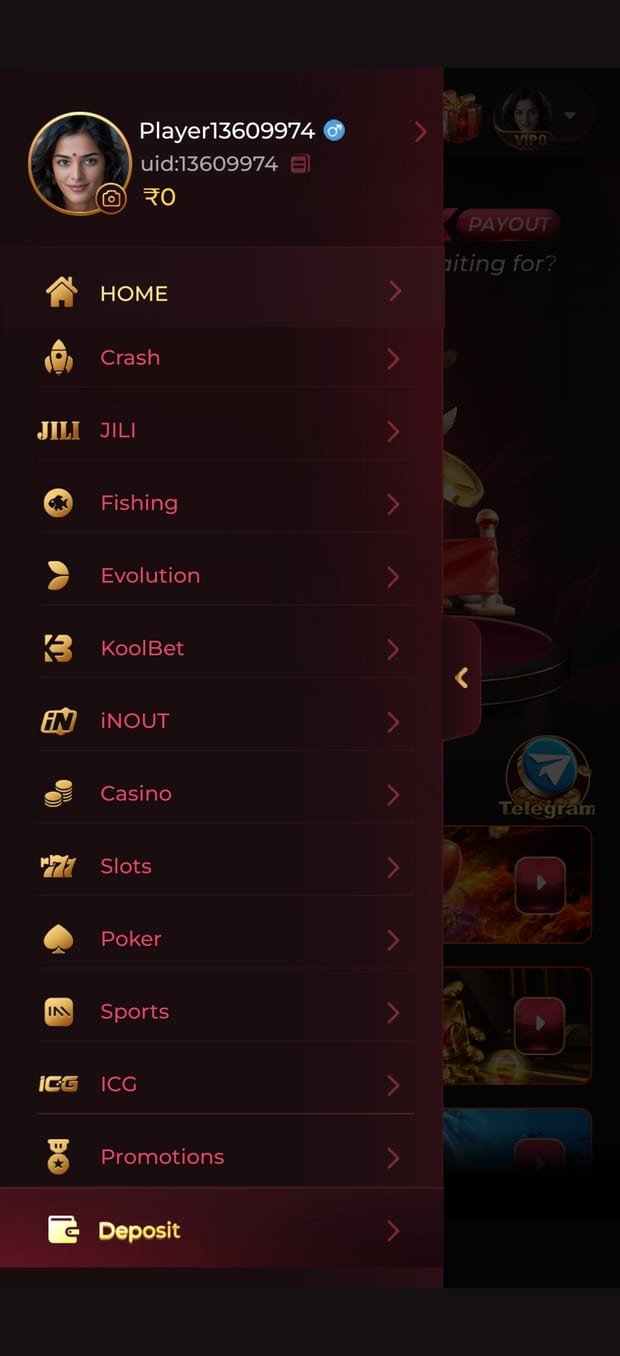
All three reach the same account and the same wallet. The difference is only in how you get there.
Direct APK install. The full native app with every feature, and the route most players use. Requires enabling install-from-unknown-sources once.
Get the APKNo App Store listing — Apple's rules restrict real-money gaming apps here in much the same way Google's do. iOS runs the platform as a home-screen web app instead.
iOS instructionsNothing to install at all. Fine for browsing the lobby, checking promotions or managing your wallet on a desktop, though the native app is smoother for actual play.
Open the platformThey are genuinely different processes. Follow the one for your device rather than skimming both.
Repackaged gaming APKs are one of the most reliable malware vectors aimed at Indian Android users, precisely because the legitimate install flow already asks you to lower a security setting and the legitimate app already asks for payment details. Nothing about a malicious build looks out of place.
| Platform | Android (APK) · iOS (web app) |
|---|---|
| Minimum Android | 7.0 Nougat or later |
| Distribution | Direct download — not on Play Store |
| Account | One per person, mobile-number based |
| Verification | KYC required before withdrawal |
| Deposit method | UPI |
| Currency | INR (₹) |
| Language | English |
| Age requirement | 18+ |
| Updates | In-app prompt, installs over the top |
Specifications describe the build current at publication. The app's own about screen carries the authoritative version number.
The app checks for a newer build on launch and prompts when one is available. Updating installs over the existing app — your session, wallet and KYC status all carry across, and you are not creating a new account. You will need to allow install-from-unknown-sources again for the browser if the update downloads through it, and the same rule applies: switch it back off afterwards.
If you reinstall from scratch, change device, or clear the app's data, you will be logged out and an OTP will go to your registered mobile number. That is the recovery path, which is why keeping that number current matters more than it sounds — if you change SIM, update the number in the app before the old one stops receiving messages. Recovering an account tied to a dead number means a support ticket and identity re-verification.
Uninstalling the app does not close your account or touch your balance. The account lives on the operator's side; the app is just a client. If you want the account itself closed, that is a support request, and if you are stopping because play has become a problem, ask about self-exclusion rather than a simple closure — it is designed to be harder to undo.
Nearly always one of three things. First, the download did not finish — check the file size in your Downloads folder and re-download if it looks truncated. Second, install-from-unknown-sources is enabled for the wrong app; the permission is granted per-app, so if you downloaded in Chrome you must enable it for Chrome specifically, not for your file manager. Third, you are short on storage. Free up a couple of gigabytes and try again.
Expected. Play Protect flags any app whose developer is not registered through the Play Store, and real-money gaming apps in India are distributed outside it as a matter of course. The warning tells you the app is unfamiliar to Google, not that it is malicious. That said, the warning is only safe to dismiss because you took the file from the official link — if you got it anywhere else, the same warning may well be telling you something real. Leave Play Protect enabled either way; it keeps scanning after install.
No. Your account, balance and KYC status live on the operator's servers, not on your phone. Reinstalling and logging back in with your registered mobile number restores everything. The only thing you lose is the local session, which means an OTP on next login.
Yes — one account, several devices. Logging in on a new device sends an OTP to your registered number. What is not allowed is several accounts for one person, which is enforced at KYC and is the usual reason a balance gets forfeited. If you share a device with someone who also plays, both of you should log out properly rather than relying on the app forgetting.
No native desktop client. The browser version works on desktop for browsing the lobby, checking promotions and managing your wallet. Running the Android APK through an emulator is technically possible and we would not recommend it — emulators are a common trigger for account review, and it adds a layer of software between you and a wallet holding real money for very little benefit.
In that order, and the last step is the one people skip. If anything goes sideways during setup, support answers one-to-one on Telegram.
18+ only · Not available in AP, TS, AS, OR, NL, SK · Gambling involves financial risk and may be addictive · Tele-MANAS 14416